What is BillClap Offline and is it right for my business?
In short: BillClap Offline is GST billing and stock software that runs fully on your own computer. Once activated, it works without internet, and your business data stays on your PC, not on a cloud server.
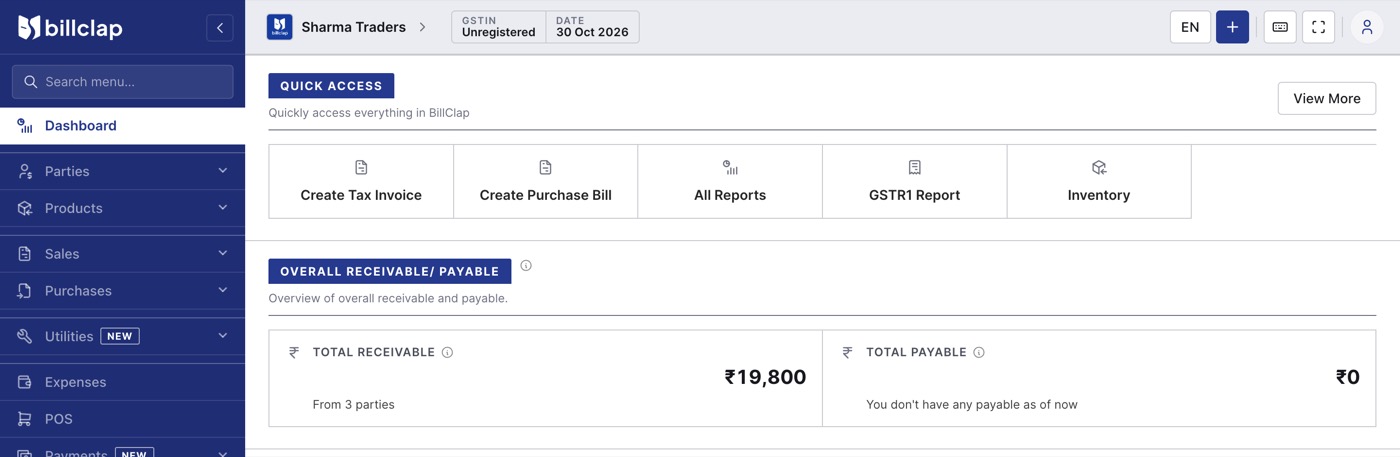
BillClap Offline running on a shop PC.
What BillClap Offline does
- GST invoices and fast POS billing, with A4 and thermal printing
- Quotations, delivery challans, credit notes and debit notes
- Batch and expiry, IMEI/serial numbers and size/colour variants
- Purchases, expenses, cash and bank, and a party ledger for every customer and supplier
- GSTR-1, profit and loss and stock summary reports
- Password-protected backup to your PC or your own Google Drive
Every plan includes unlimited invoices, items and parties.
Why businesses choose it
- Works without internet. You need internet once, to activate your licence. After that, billing, stock and reports all work offline.
- Your data stays private. Bills, customers, items and accounts are stored on your own computer, not on BillClap's servers.
- Pay once. Along with 1-year and 3-year plans, there is a Lifetime plan, so you don't have to keep renewing to keep billing.
Is BillClap Offline right for me?
BillClap Offline and BillClap Cloud are two separate products. Data cannot be moved from one to the other later, so choose carefully before you start.
| Your need | Choose |
|---|---|
| Internet at your shop is patchy or unreliable | BillClap Offline |
| One person billing on one computer | BillClap Offline |
| You want your data only on your own premises | BillClap Offline |
| You need e-way bills or e-invoices | BillClap Cloud |
| Several people billing on the same data from different computers | BillClap Cloud |
| You want to bill or check sales from your phone | BillClap Cloud |
Which Offline plan do I need?
- Offline Enterprise Elite: one shop, one counter, one godown.
- Offline Enterprise Plus: everything in Enterprise Elite, plus multiple godowns and stock transfer, sale and purchase orders, bulk add and edit of items from Excel, low-stock warnings, loyalty points and priority support.
Each plan covers one PC and one business. Every installation starts with a 14-day free trial that includes all Offline Enterprise Plus features.
Next steps
- System requirements and how to install BillClap Offline
- How to activate your BillClap Offline licence
- How to set up your business in BillClap Offline